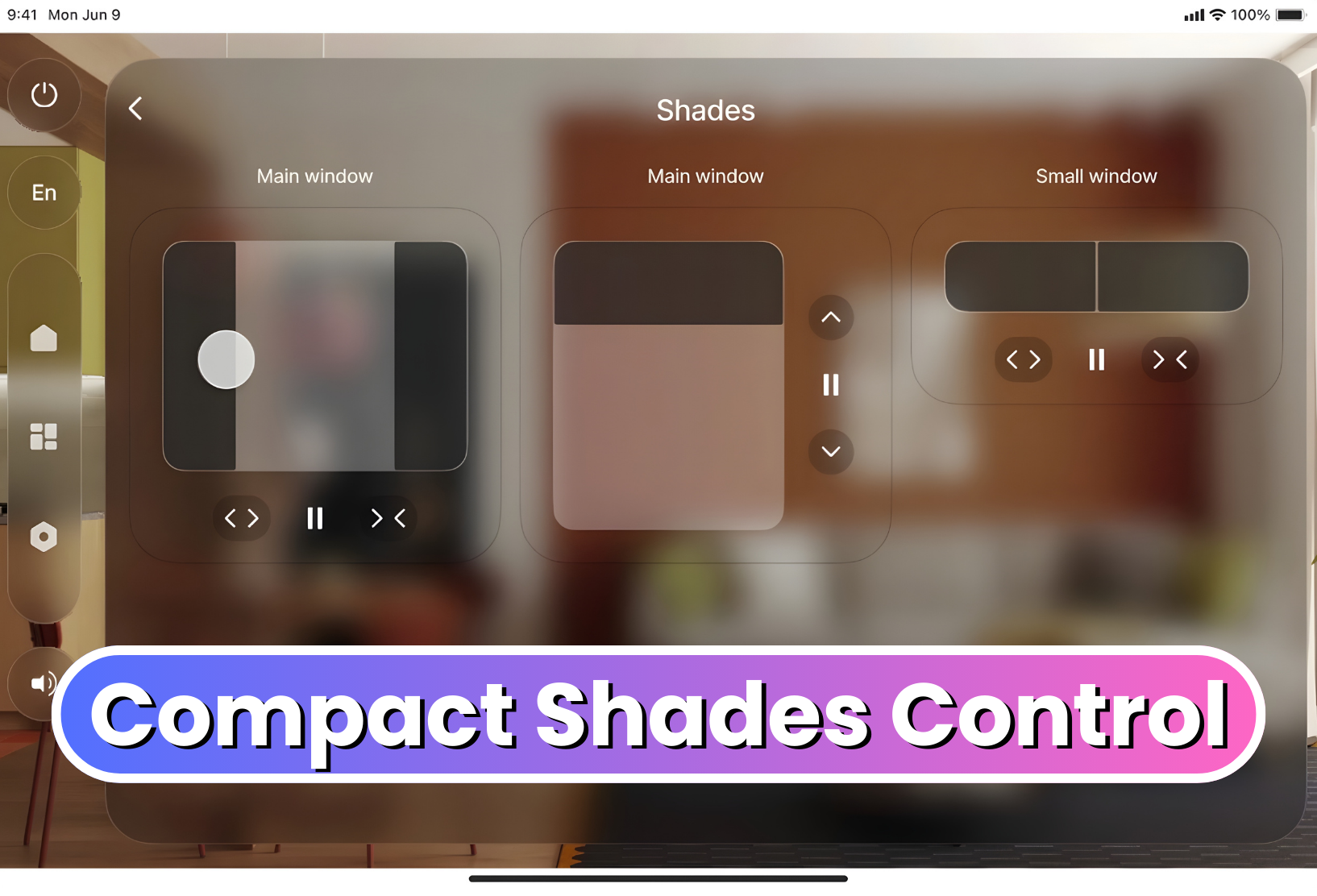
We are happy to introduce two new elements to AVstudio Editor: the Compact Shades Control widget and the State Control element.
Compact Shades Control
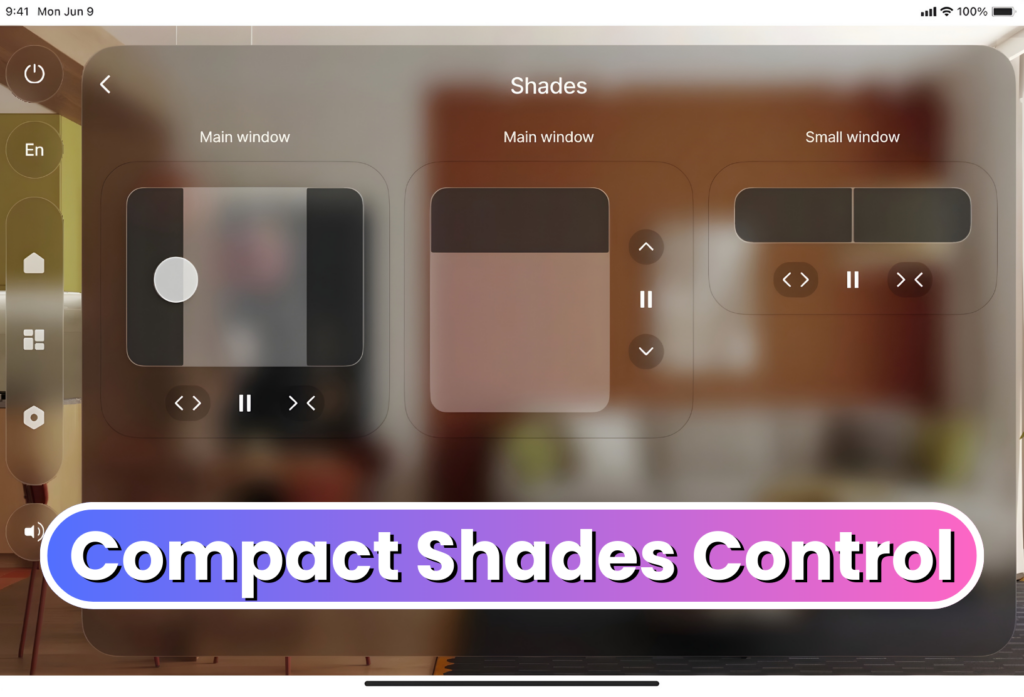
The Compact Shades Control widget is a more compact and efficient way to control shades in interfaces with limited space.
Despite its smaller form, this new widget maintains the core function of the original Shades Control element. It supports vertical, horizontal, and dual-shade control modes, allowing developers to choose the configuration that best fits their project. Shades Control can now be fit into tighter spaces on the UI, allowing even more customization in design layout and flow.
State Control
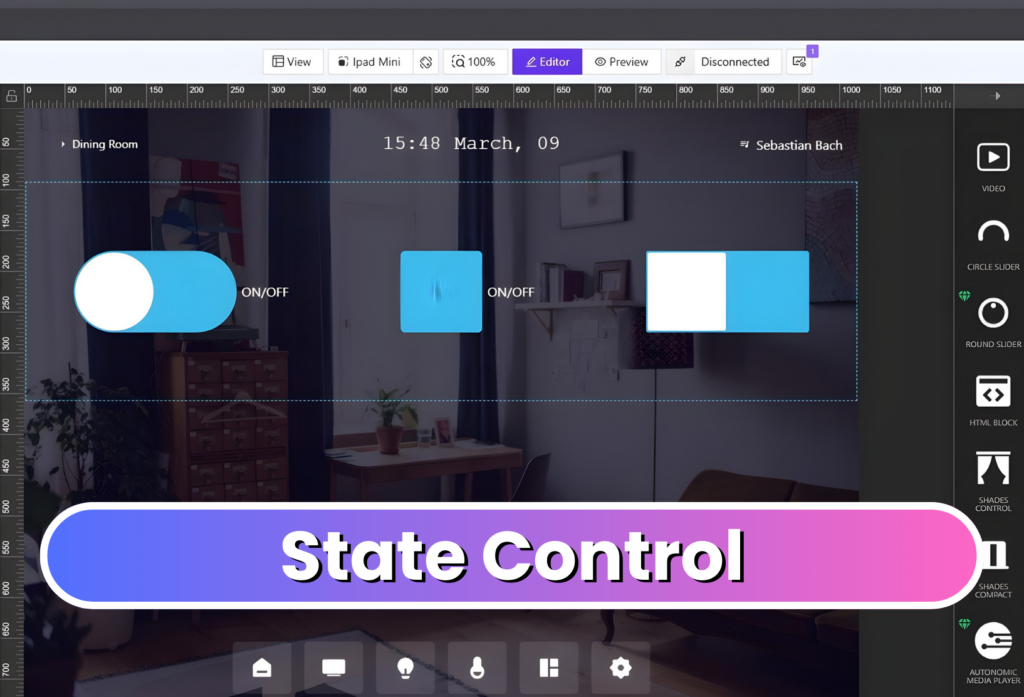
The State Control element consolidates multiple true/false state controls into a single configurable component. Users can easily change its display to a checkbox, switch, or toggle, depending on preference.
The element is also highly customizable, allowing developers to adjust its styling, colors, borders, and other visual properties to match their interface's design.
Together, these new elements expand the range of tools available in AVstudio Editor, helping developers create more efficient and unique interfaces.
Gallery
Visit AVstudio at InfoComm 2026
AVstudio is heading to InfoComm 2026, taking place June 17–19 at the Las Vegas Convention Center. Visit us at Booth C5715 to meet the team behind AVstudio Editor and explore the latest improvements, new features, and upcoming products. AVstudio Editor is a modern HTML5 visual UI builder designed to solve common frustrations that have slowed ...
Version 3.9.12: MQTT Connectivity, Bug Fixes, and more
AVstudio is proud to introduce one of our most powerful updates yet. Version 3.9.12 brings full MQTT connector support, enabling developers and integrators to build interfaces that communicate in real time across devices, control systems, and automation environments. This update not only expands what AVstudio Editor can connect to, but also the capabilities of projects ...
Stay updated with the latest changes
Get notified about new features, updates, and improvements as soon as they're released.
Subscribe to Updates