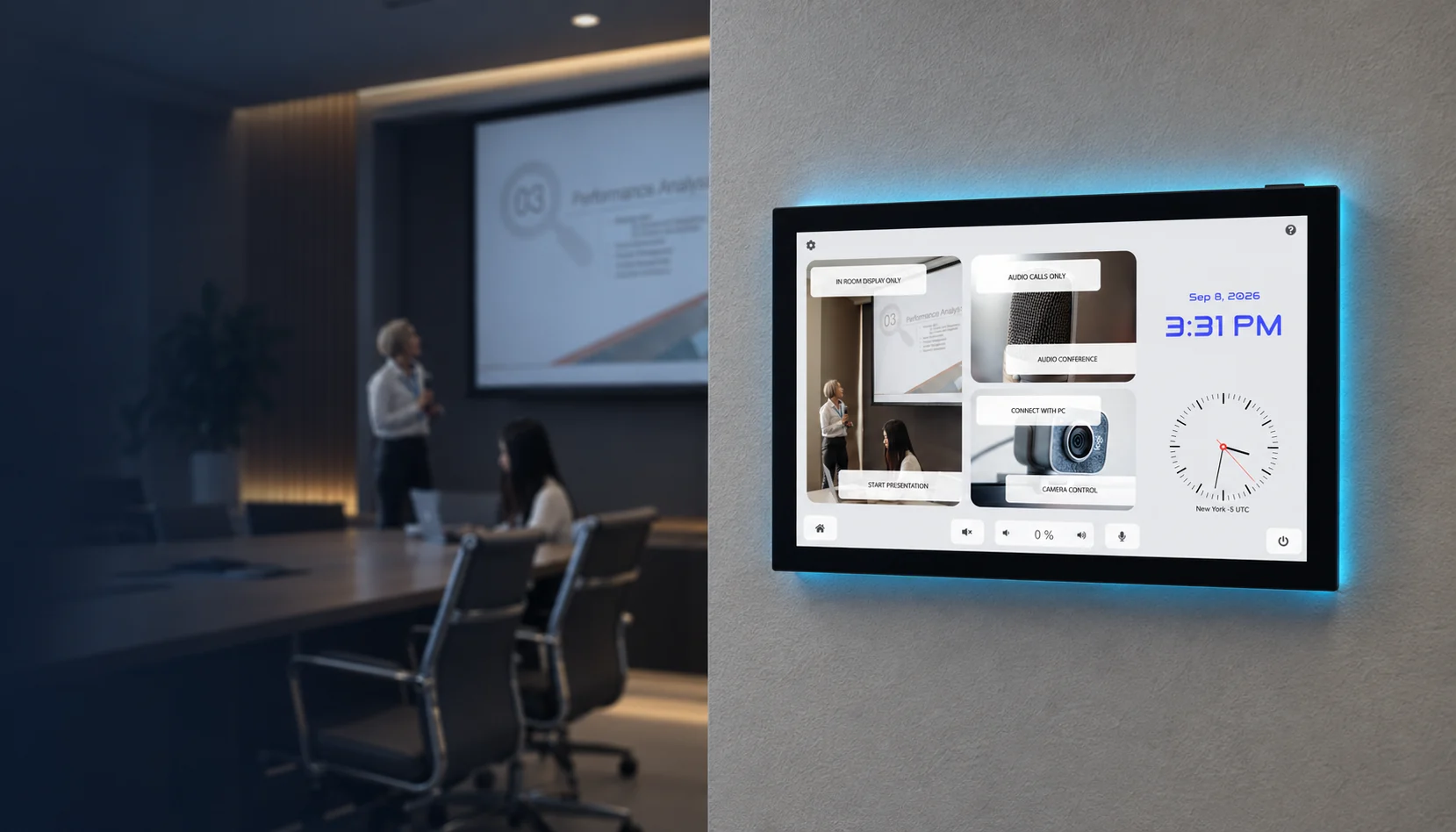
CONFERENCE ROOMS
Conference Rooms
Simple control. Better meetings.
Control presentations, cameras, room configuration, and connected AV equipment from one room interface.
Explore the Solution CONFERENCE ROOMS
Simple control. Better meetings.
Control presentations, cameras, room configuration, and connected AV equipment from one room interface.
Explore the SolutionOVERVIEW
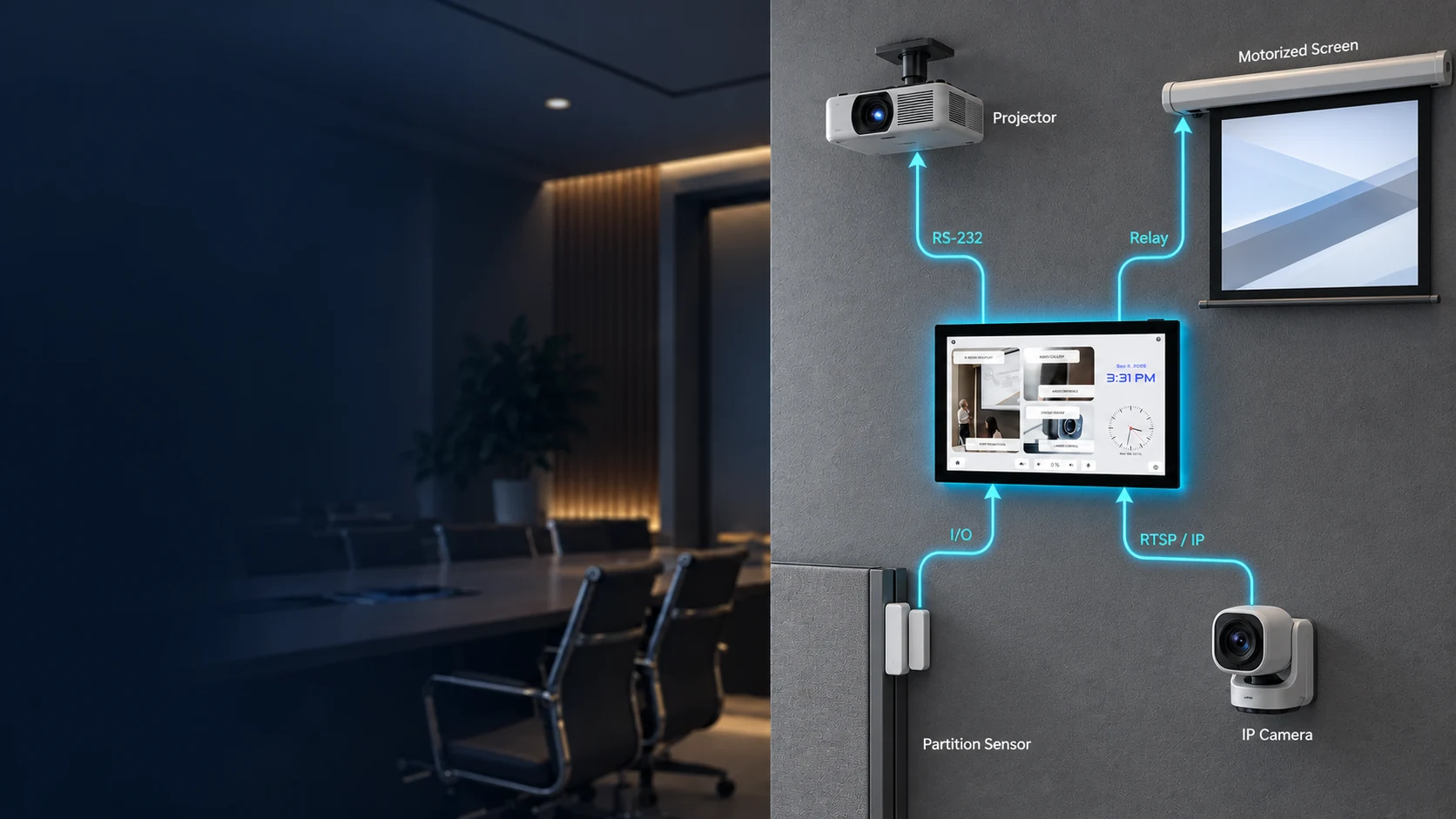
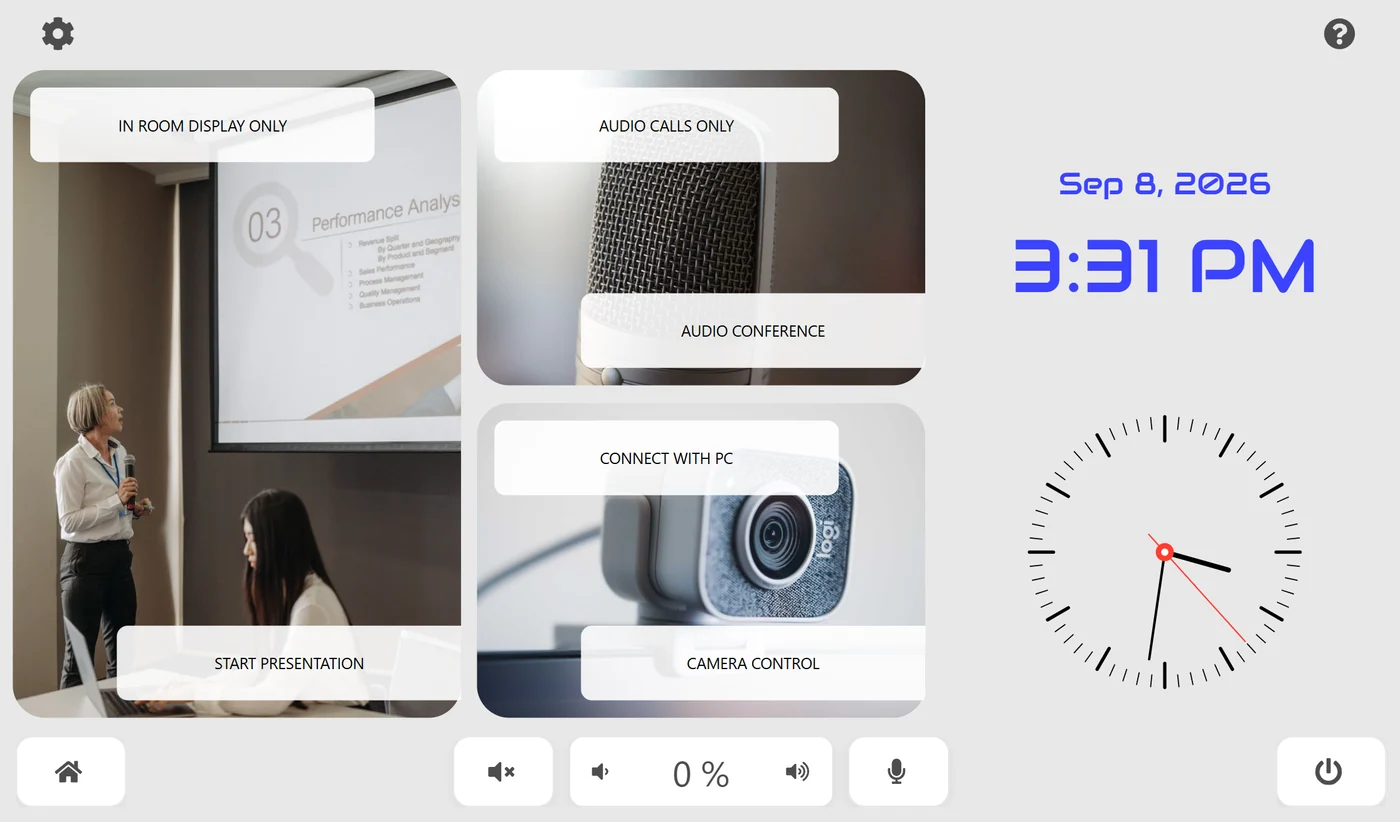
AVS Touch Panels provide a dedicated interface for controlling conference room AV systems. From one screen, users can start a presentation, operate the projector and motorized screen, access the room camera, adjust key room functions, and monitor the partition sensor—while AVstudio handles connections to the equipment through RS-232, Relay, Digital I/O, and RTSP/IP.
See it in the room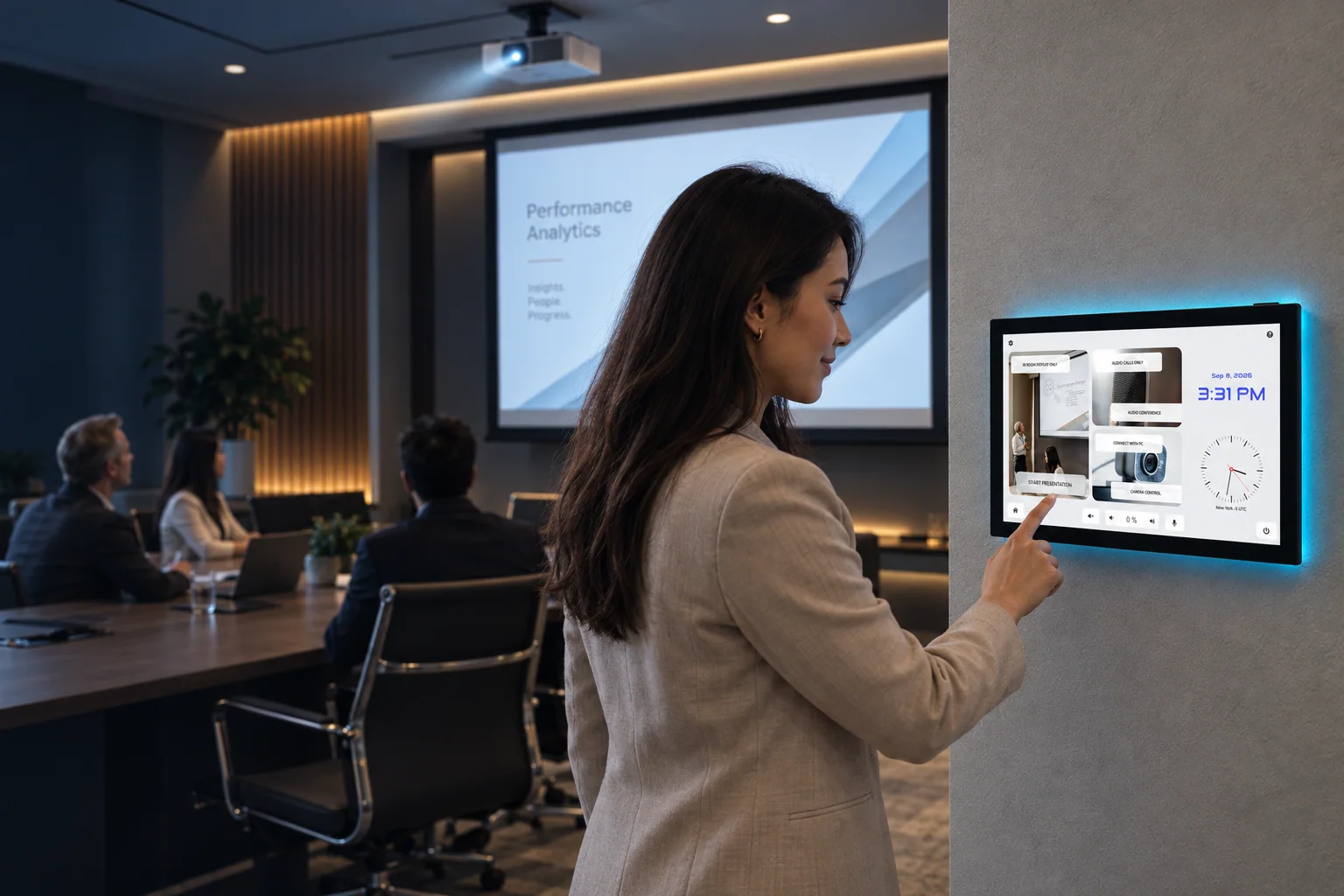
PRESENTATION
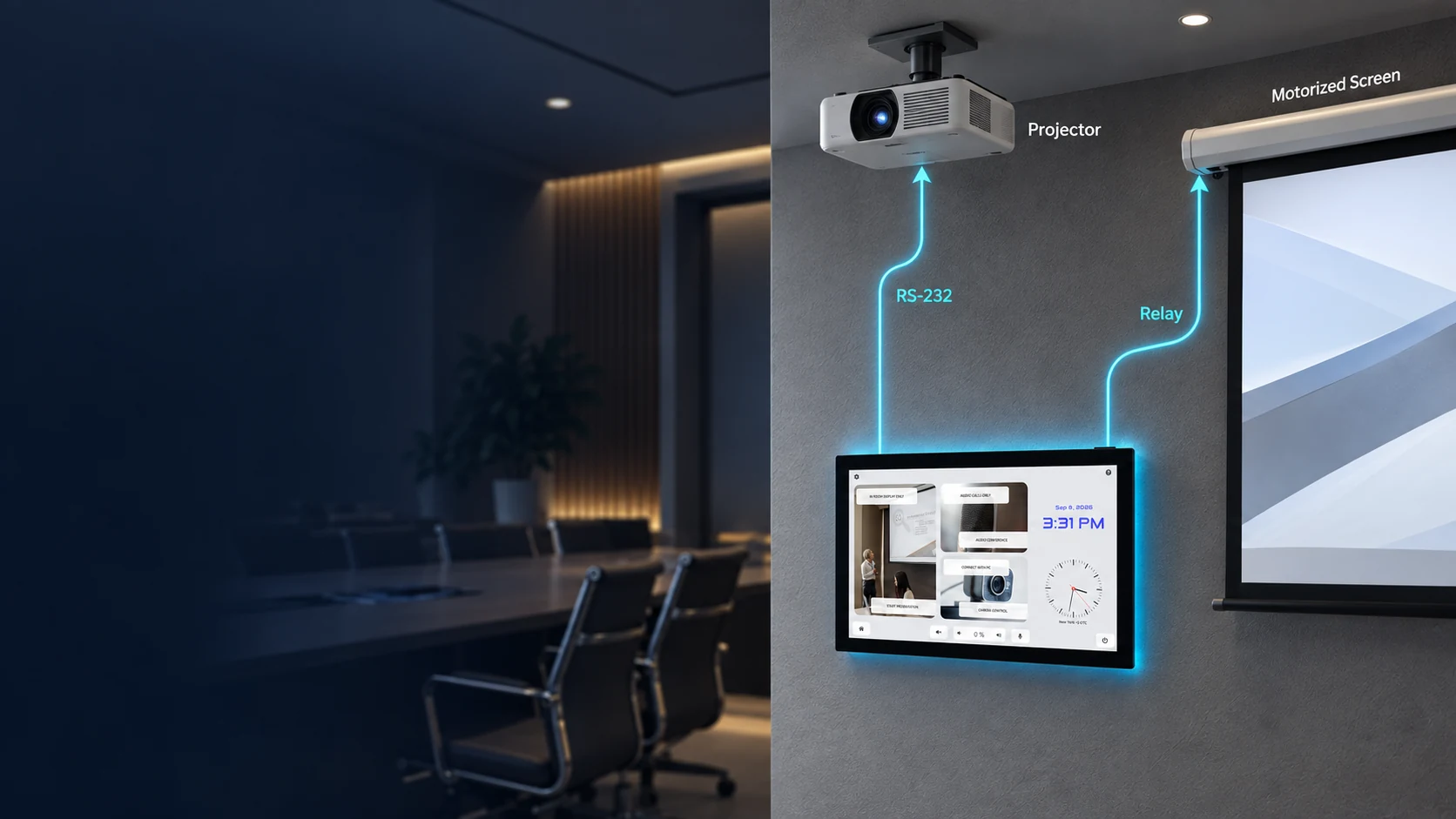
Start the presentation system from one room interface. AVstudio sends commands to the projector over RS-232 and controls the motorized screen through a relay.
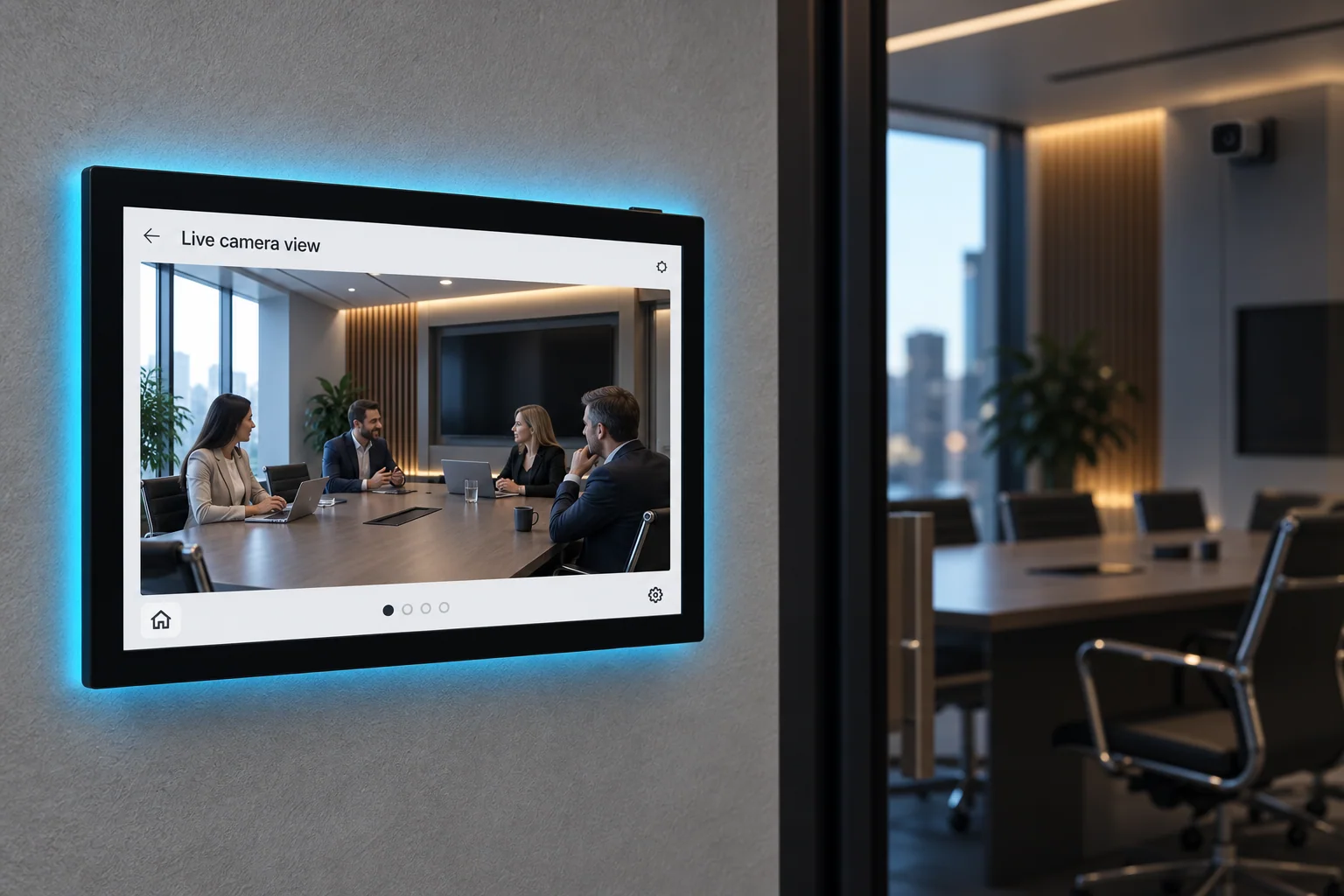
CAMERA ACCESS
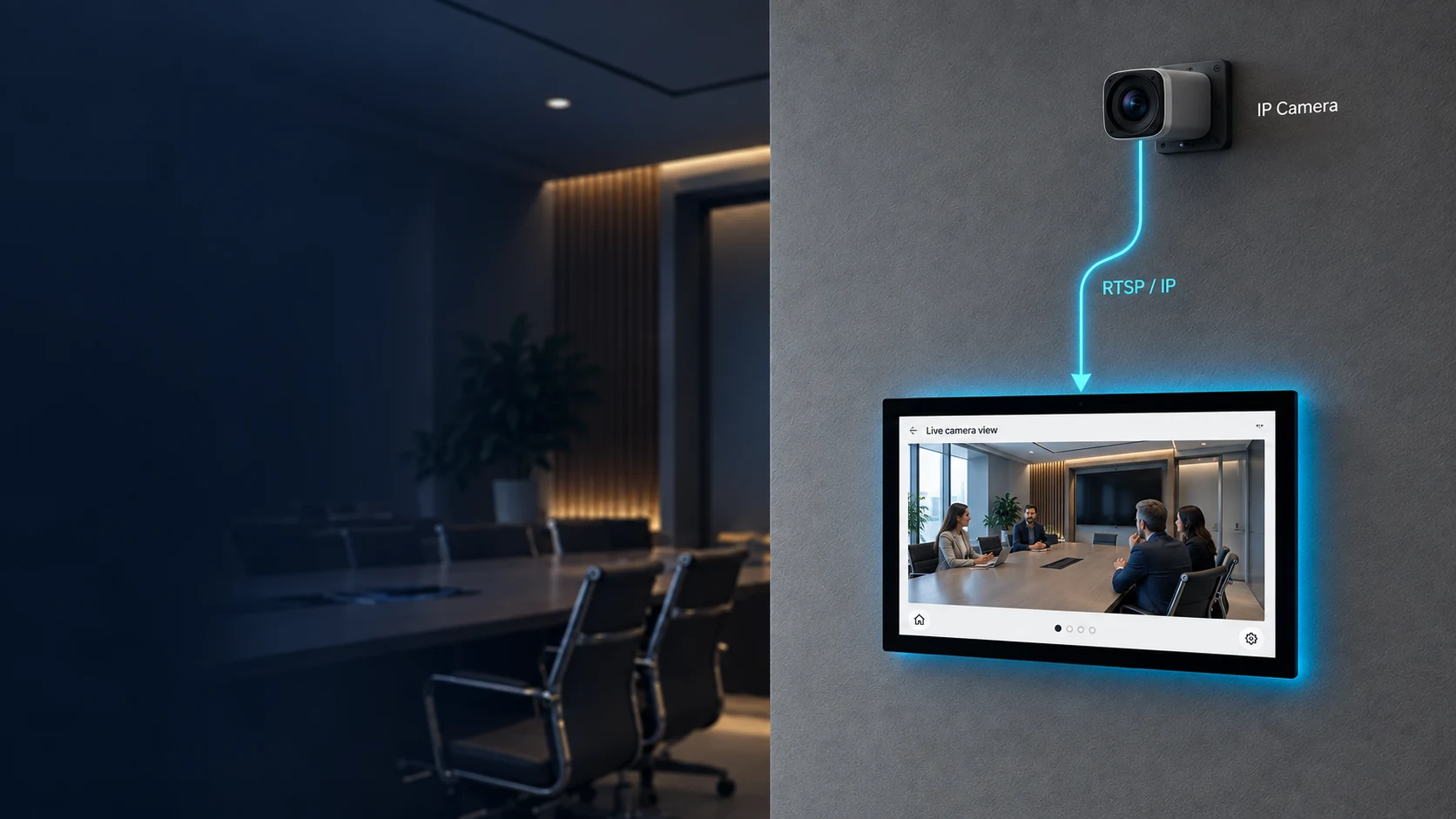
View the conference room camera stream directly in the AVstudio interface while keeping the room controls close at hand.
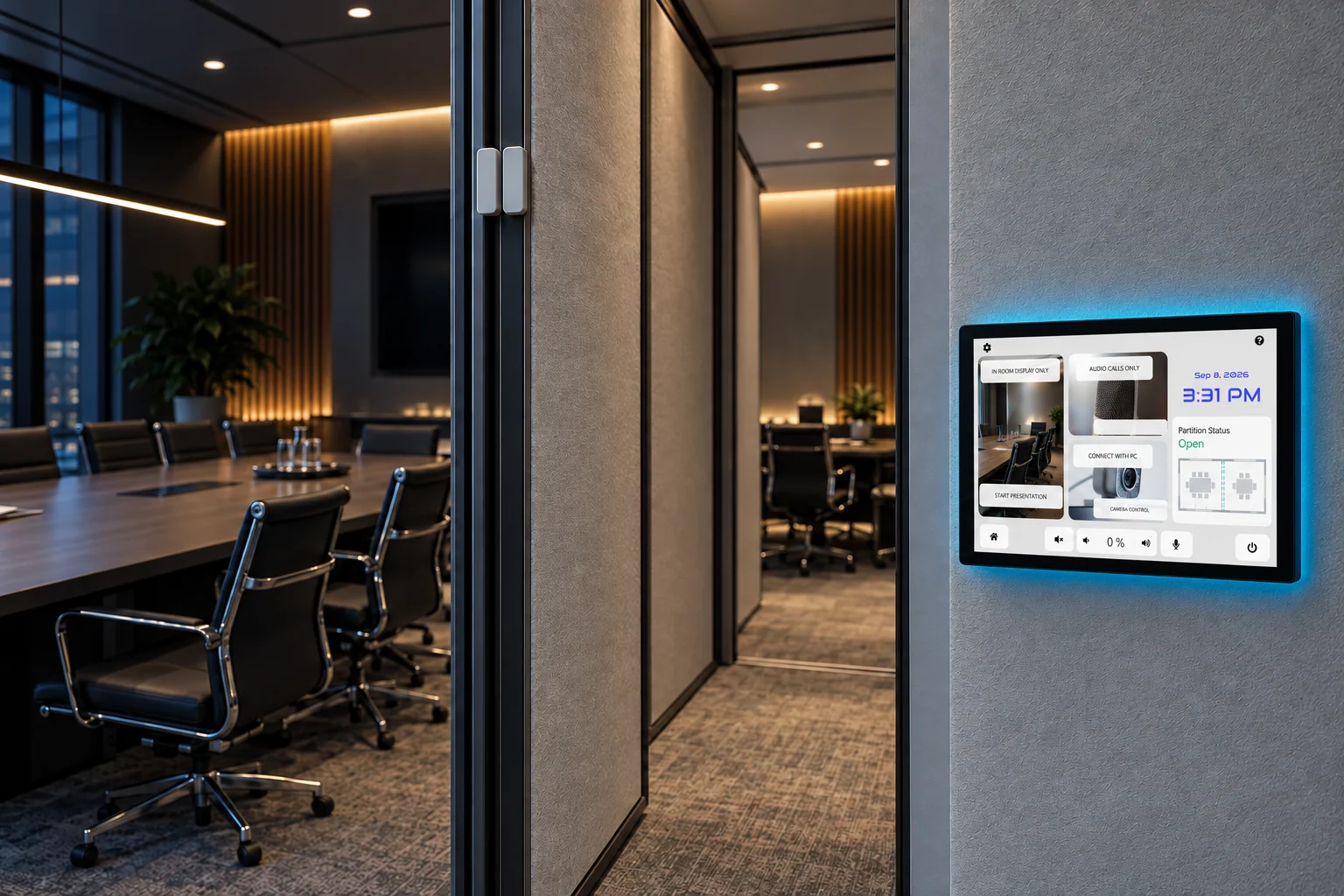
ROOM CONFIGURATION
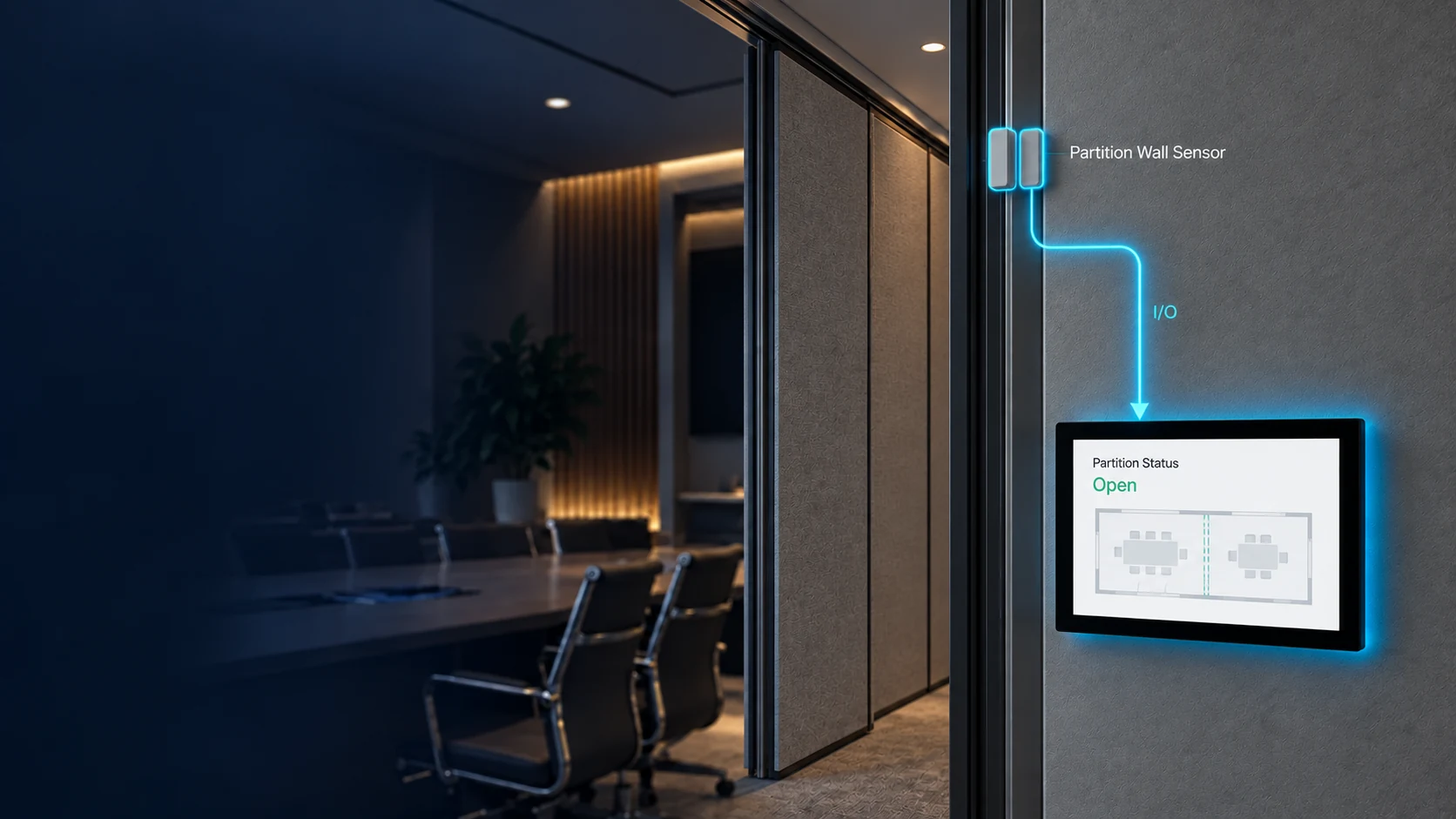
Receive the state of the partition wall sensor and use it as part of the room control experience.
CONNECTIVITY
Connect every conference device through the interface it requires.
WHY AVSTUDIO
Build the controls around the equipment and workflow of the conference space.
Connect each device through the interface it requires.
Run the conference interface on professional installed touch panels.
AVS TOUCH PANELS
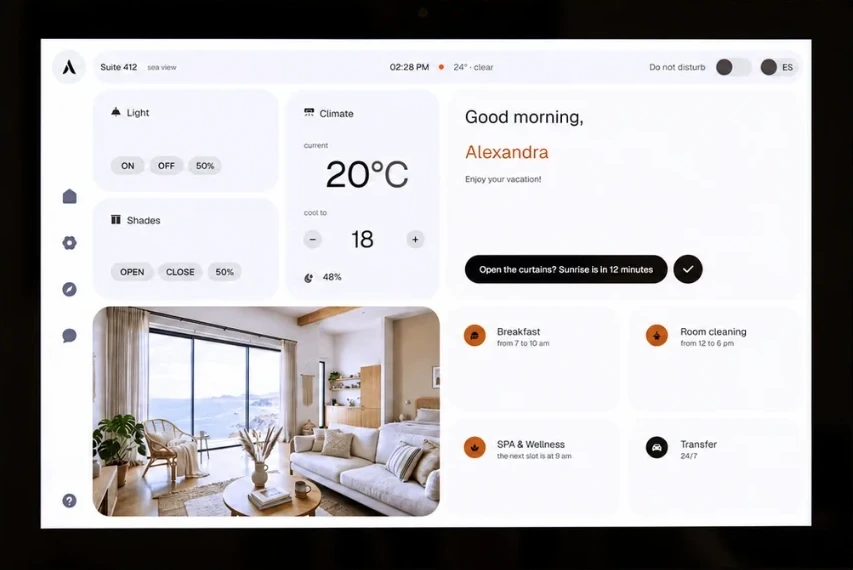
Deploy the interface on AVS-10 or AVS-15 touch panels for a dedicated installed control experience.
 AVS-10 & AVS-15