LIVE EVENTS
Run the Show from One Interface
Every cue. Every system. Ready.
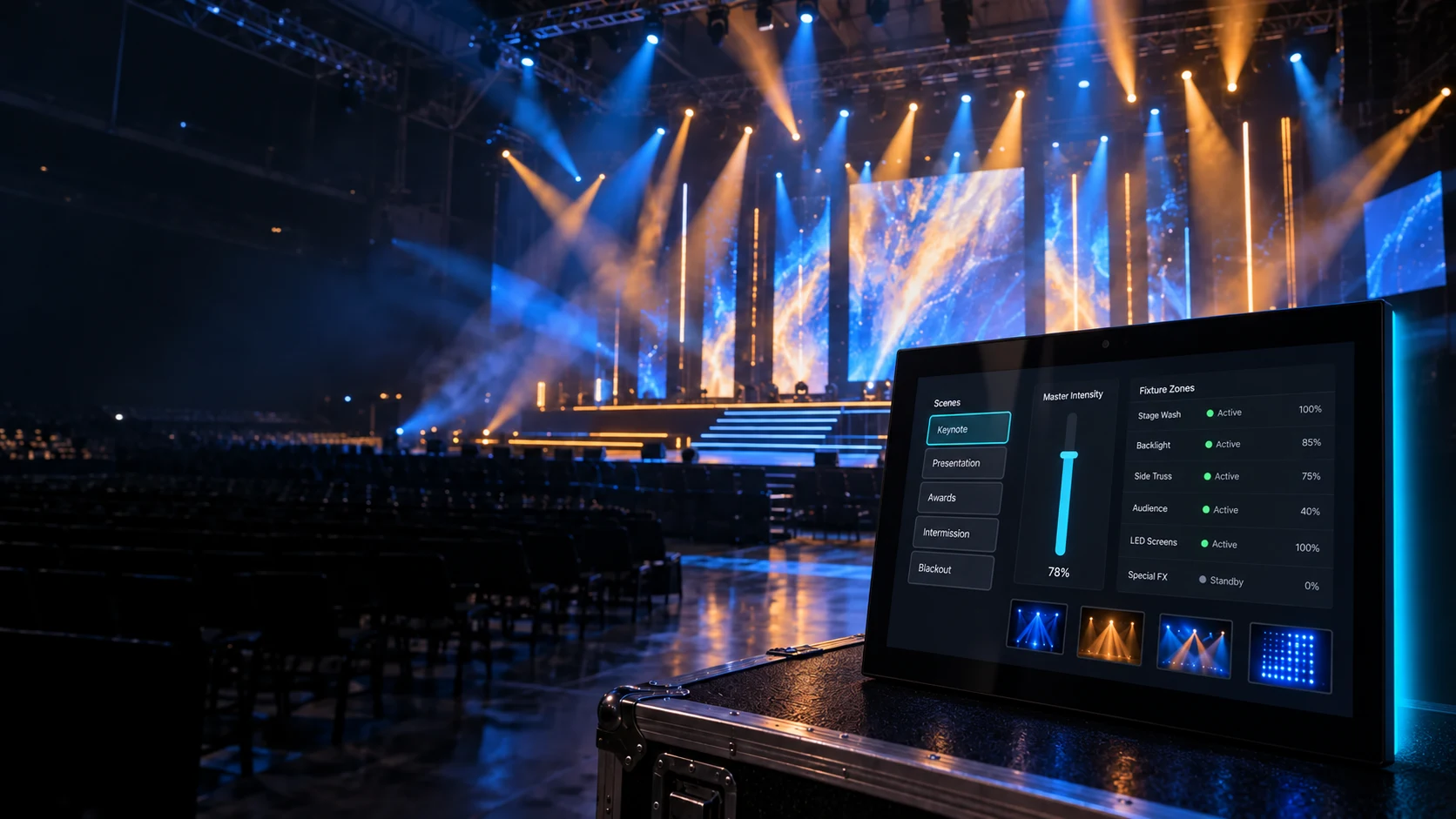
Coordinate video, lighting, audio, streaming, and show states from a custom AVS Touch Panel interface.
Explore the Solution LIVE EVENTS
Every cue. Every system. Ready.
Coordinate video, lighting, audio, streaming, and show states from a custom AVS Touch Panel interface.
Explore the SolutionAVS TOUCH PANELS
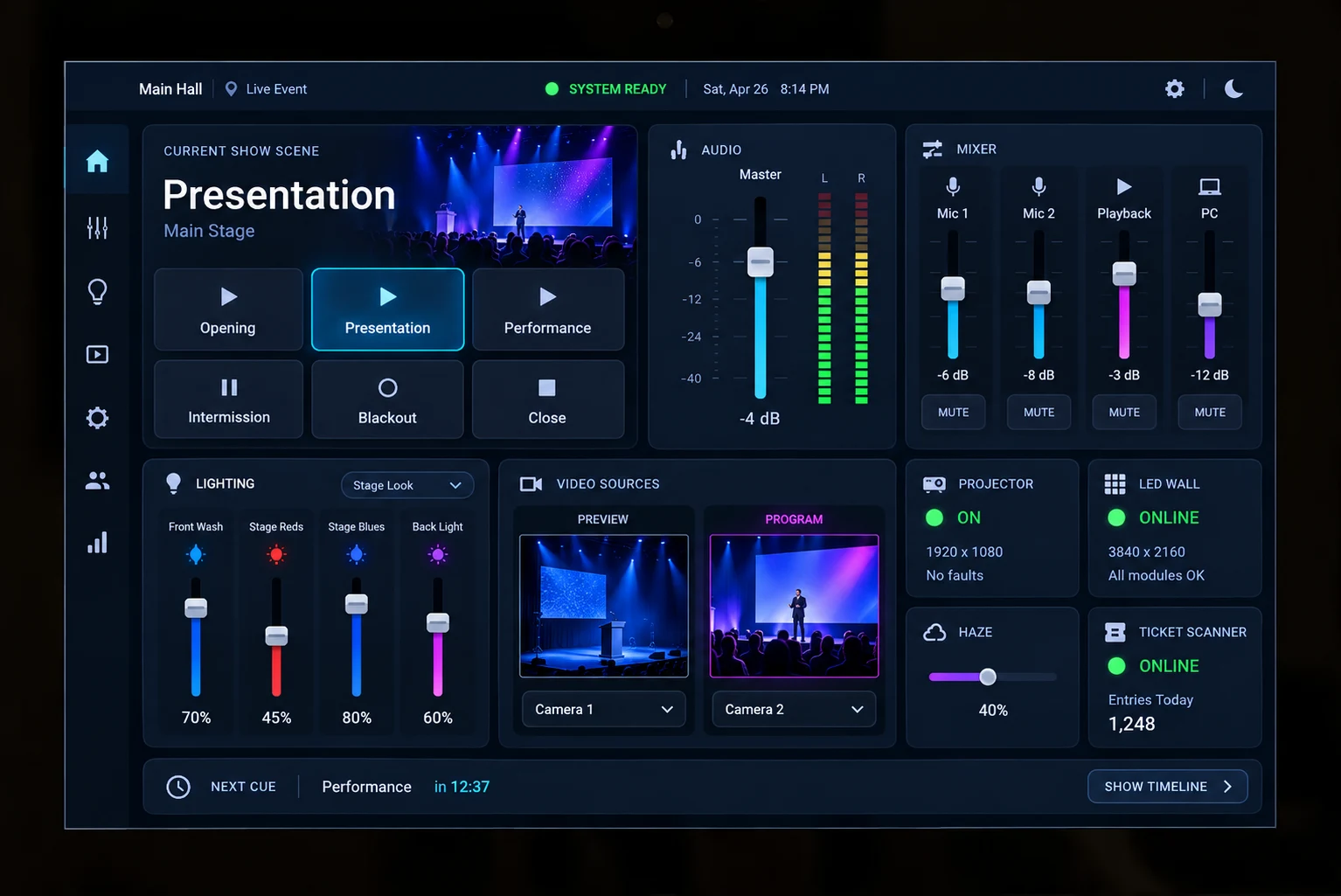
With AVstudio Editor, integrators can create a dedicated AVS Touch Panel interface around the exact production systems and operating workflow of each venue. Operators can recall show states, route video, trigger lighting scenes, manage audio, and verify system readiness without jumping between disconnected control applications.
Explore AVS Touch PanelsSHOW CONTROL
Turn complex production sequences into clear actions that operators can execute confidently under pressure.
Preview content and route the correct source to every screen.
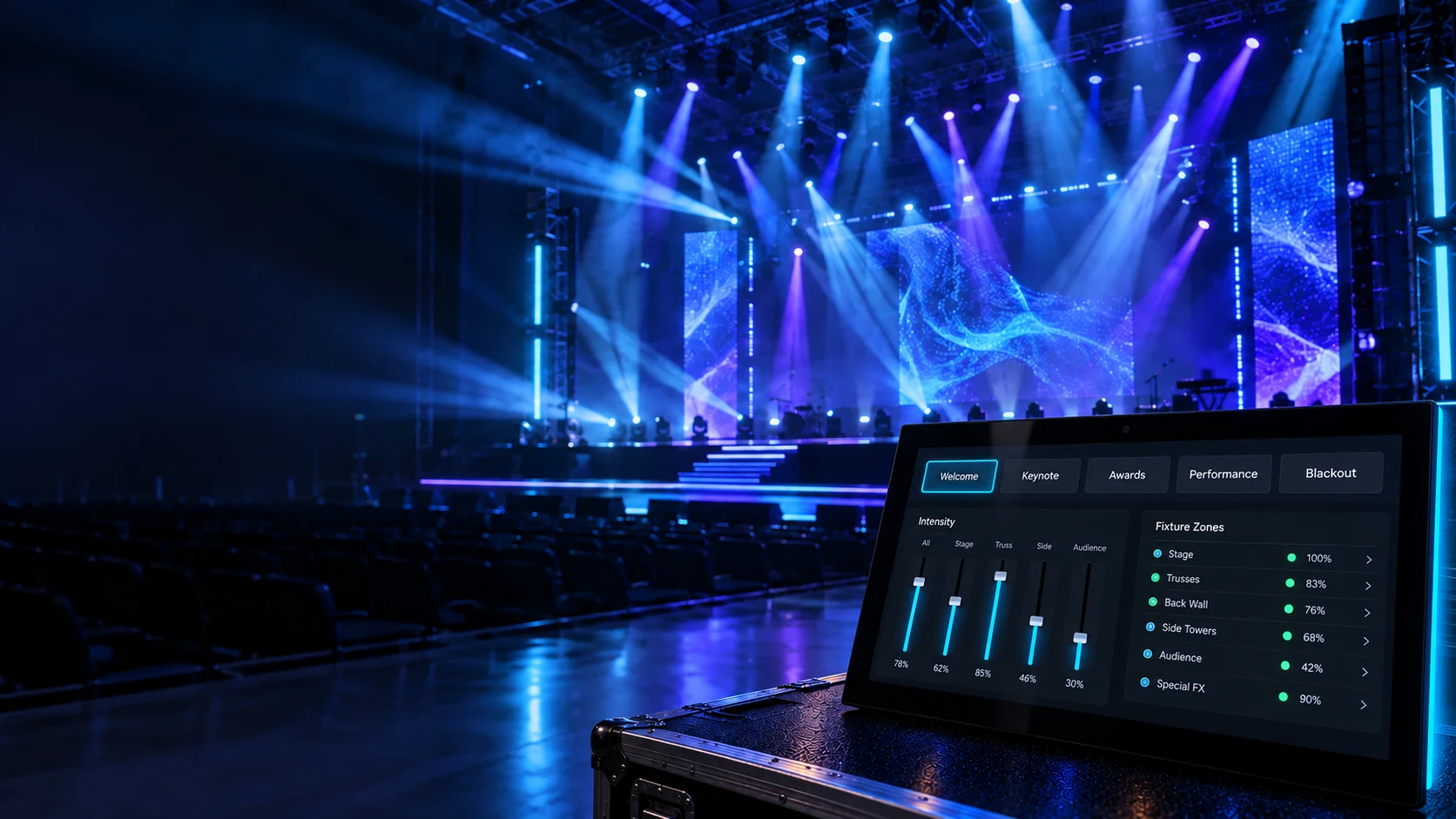
Recall repeatable looks for every part of the event.
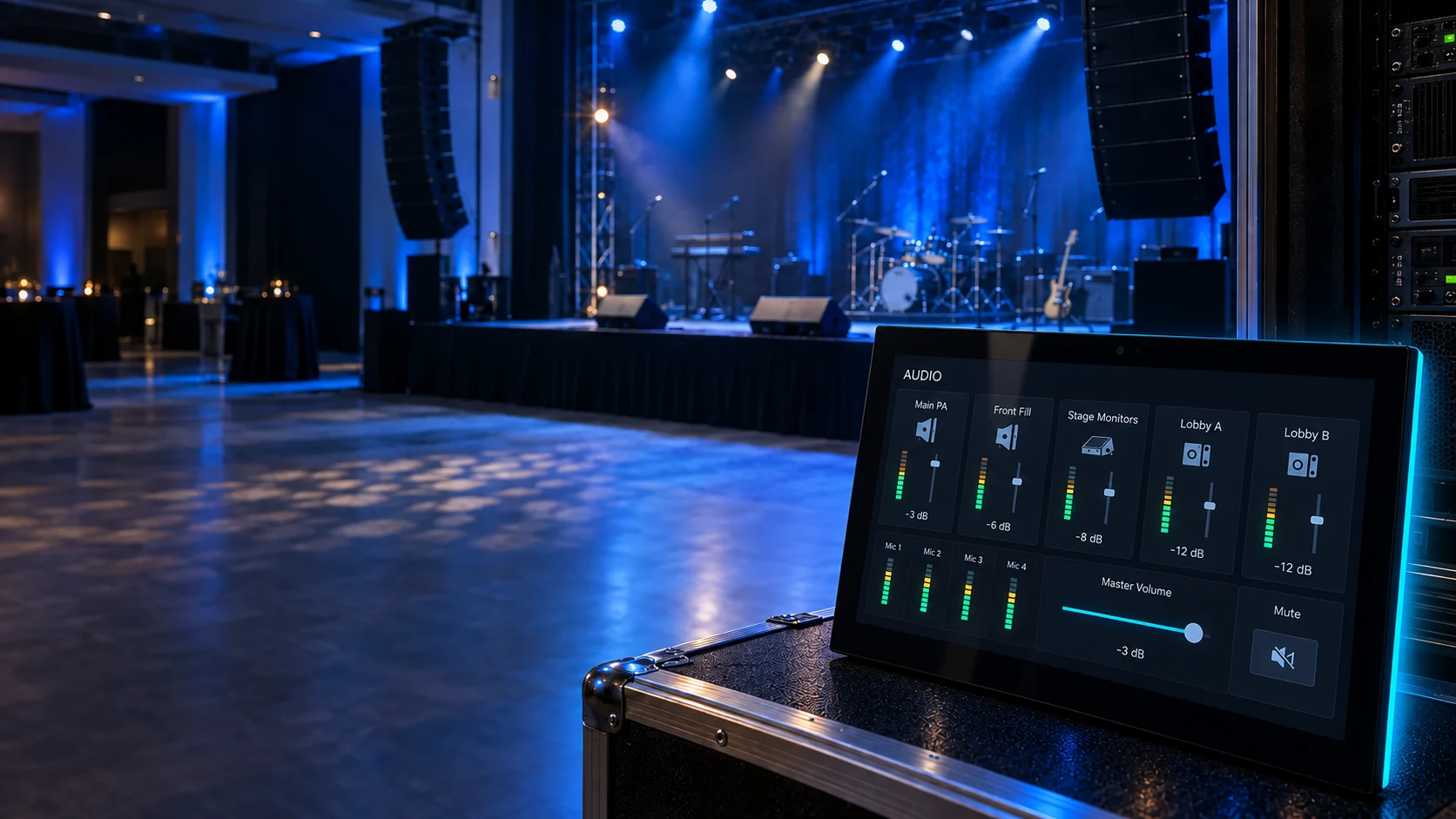
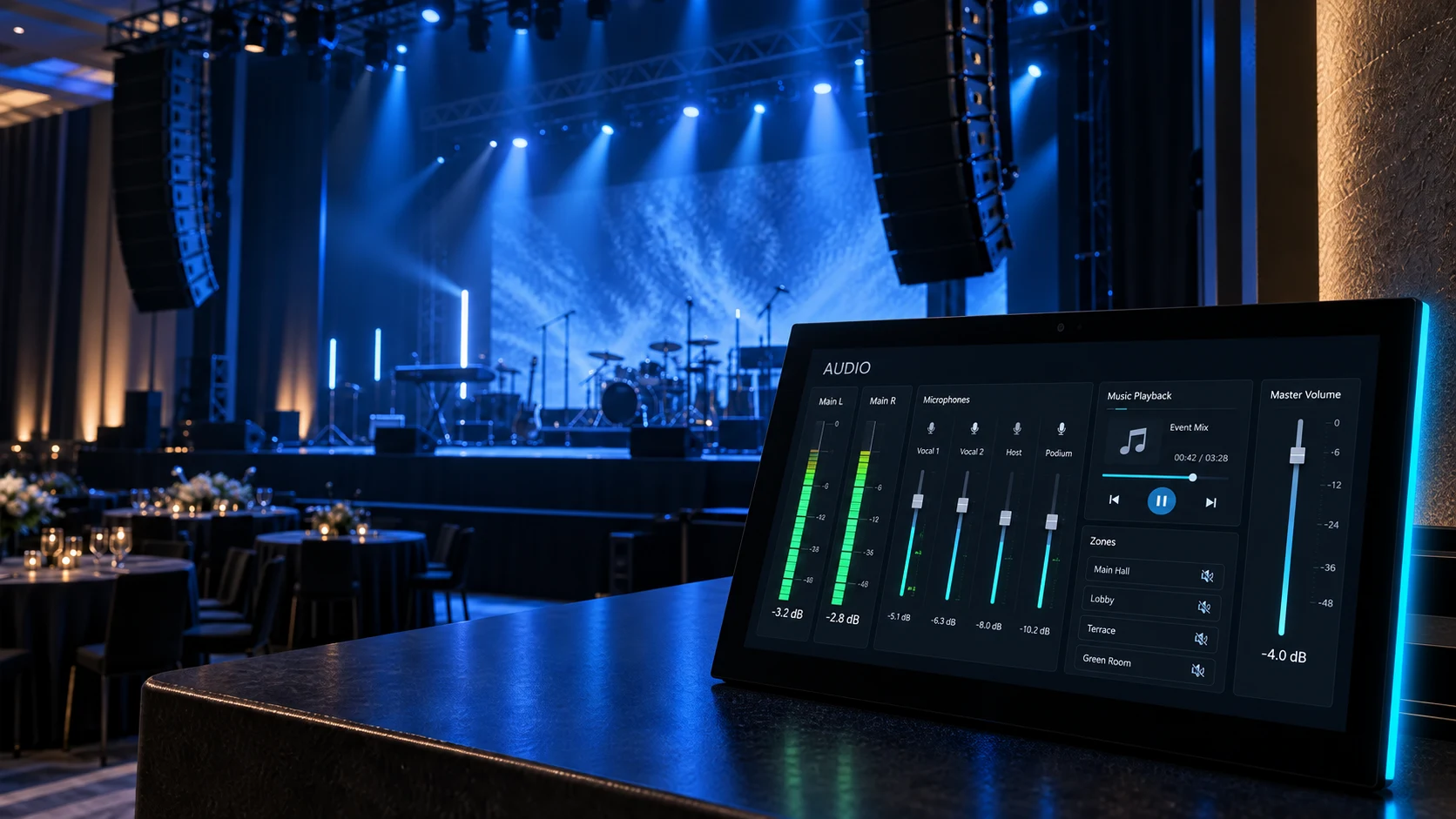
Keep essential levels, zones, and mute controls within reach.
SYSTEM ARCHITECTURE
The page follows the live-event signal diagram: every subsystem is grouped under the protocol used to control it.
WHY AVSTUDIO
Arrange controls around cues and operator responsibilities instead of individual devices.
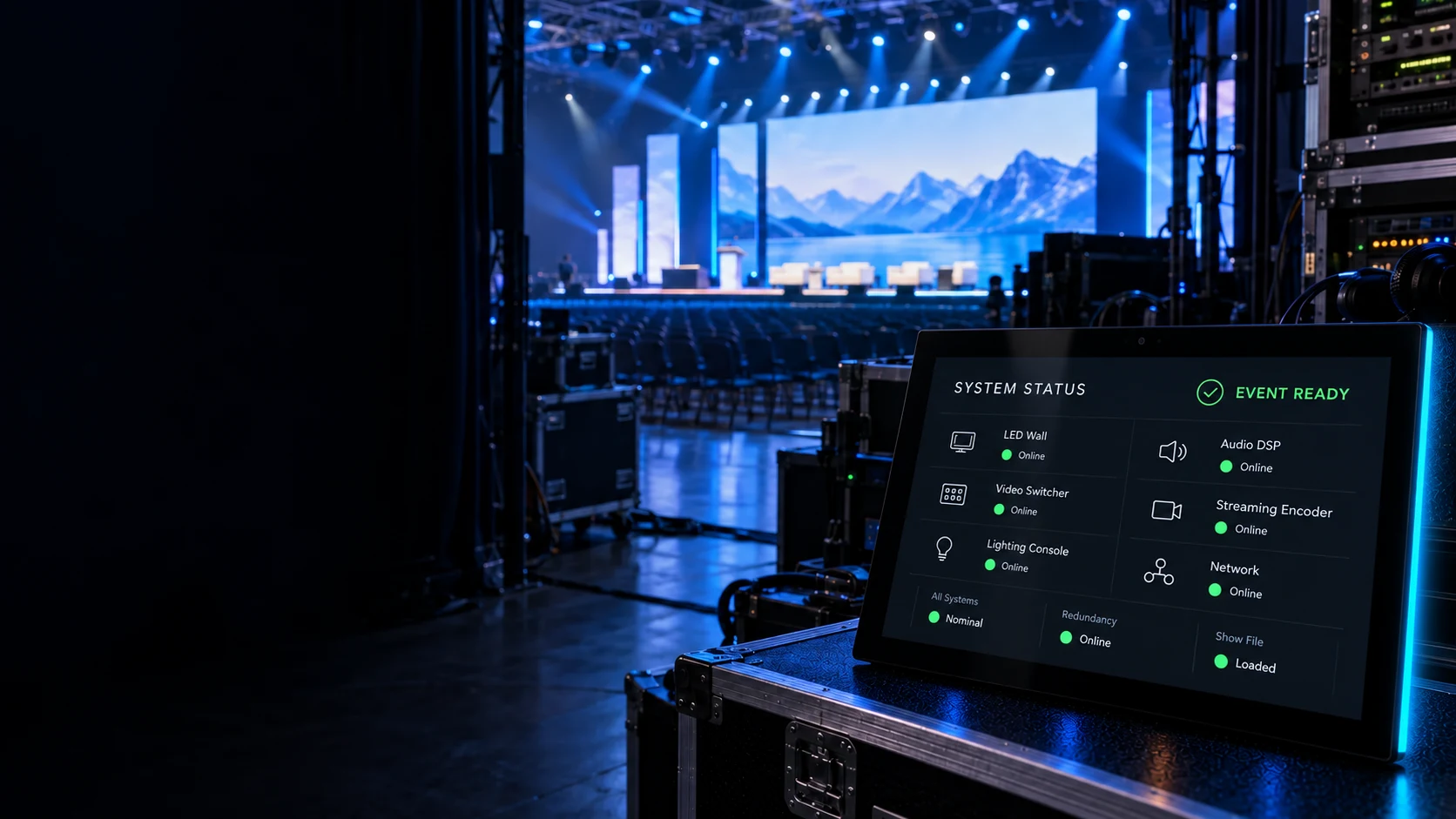
Surface device, signal, and show-state information in one consistent view.
Bring video, lighting, audio, and streaming into a unified control workflow.
BUILD YOUR NEXT EVENT SYSTEM
Design a custom live-event interface in AVstudio Editor and deploy it on professional AVS Touch Panels.