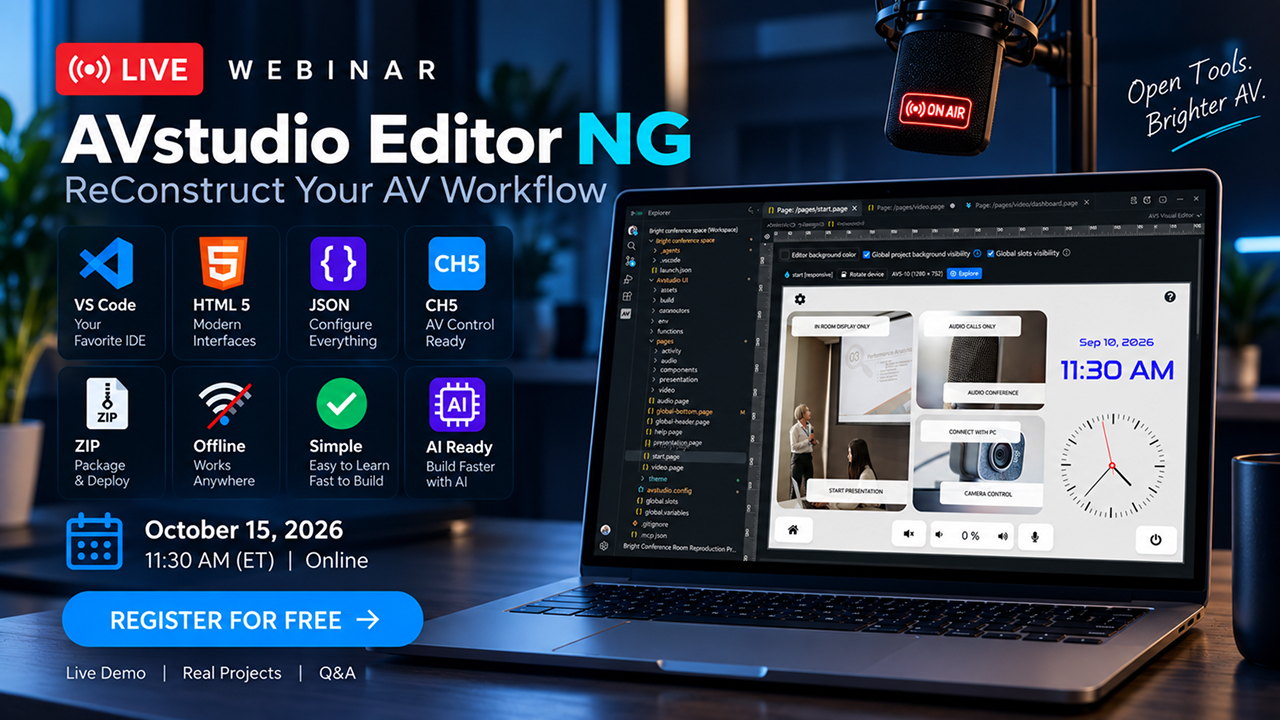
WEBINAR: AVstudio Editor NG is a New Approach to Building AV Interfaces
Join us on October 15, 2026, at 11:30 AM EDT for a free live webinar introducing AVstudio Editor NG. See the new editor in action, explore its key capabilities, and discover how visual design and AI can help you build modern control interfaces.
A great AV interface starts with understanding how people use a system: launching a presentation, selecting a source, adjusting audio or lighting, or starting a video conference. AVstudio Editor NG helps turn these everyday workflows into intuitive interfaces, bringing design, logic, testing, and project packaging into one workspace.
During the webinar, we’ll introduce you to the new editor and show you how to start creating something extraordinary.
Build Visually
AVstudio Editor NG runs inside Visual Studio Code. Add components to a page, customize their appearance, and organize screens in the visual editor. Buttons, sliders, navigation, and other controls help you build the foundation of an interface and adapt it to each project’s needs.
In our live demonstration, we’ll explore the first elements and widgets and show how they can come together to form a multi-screen interface with control workflows.
Bring AI into Your Workflow
The new editor is designed to work with compatible AI assistants. They can access project context and help you add components, update pages, and understand interface logic.
This creates a practical workflow: describe a task, review the changes visually, and test the result. We’ll demonstrate how AI and visual editing work together while keeping you in control.
Test Ideas as You Build
Live Preview runs your interface in a browser and displays updates as you work. Explore screens, try navigation, and check how controls behave before preparing the final build.
This makes it easier to evaluate ideas, discuss them with your team, and show clients how their future interface will work.
Reuse Your Best Design Decisions
Responsive layouts help you create interfaces for different screen sizes. Themes establish a consistent look, while reusable pages and components let you apply proven designs throughout a project.
For systems with multiple rooms or similar control workflows, you can design shared elements once and reuse them where needed.
Keep Your Project Files in Your Hands
Pages, settings, images, and logic are stored in local project files. This supports offline work, straightforward backups, and source handoff to colleagues.
A familiar Git workflow lets you track changes, compare versions, and collaborate with your team. Visual editing and source editing work with the same project data.
Prepare Interfaces for Real AV Systems
AVstudio Editor NG builds HTML5 interfaces and supports ZIP archives, along with CH5Z packages for compatible Crestron deployment workflows. Connections to equipment and external data help turn your interface design into a working control experience.
We’ll show how design, behavior configuration, preview, and packaging come together in one development workflow.
Expect a live demo, real projects, and Q&A. This webinar is for AV integrators, control system programmers, interface designers, and anyone who wants to explore the new editor.
We’re also preparing a special surprise for live attendees: free access to something we haven’t announced yet. Join us live for the reveal.
October 15, 2026 · 11:30 AM EDT · Online · Free to Attend
AVstudio Editor NG. Design visually. Build intelligently.